


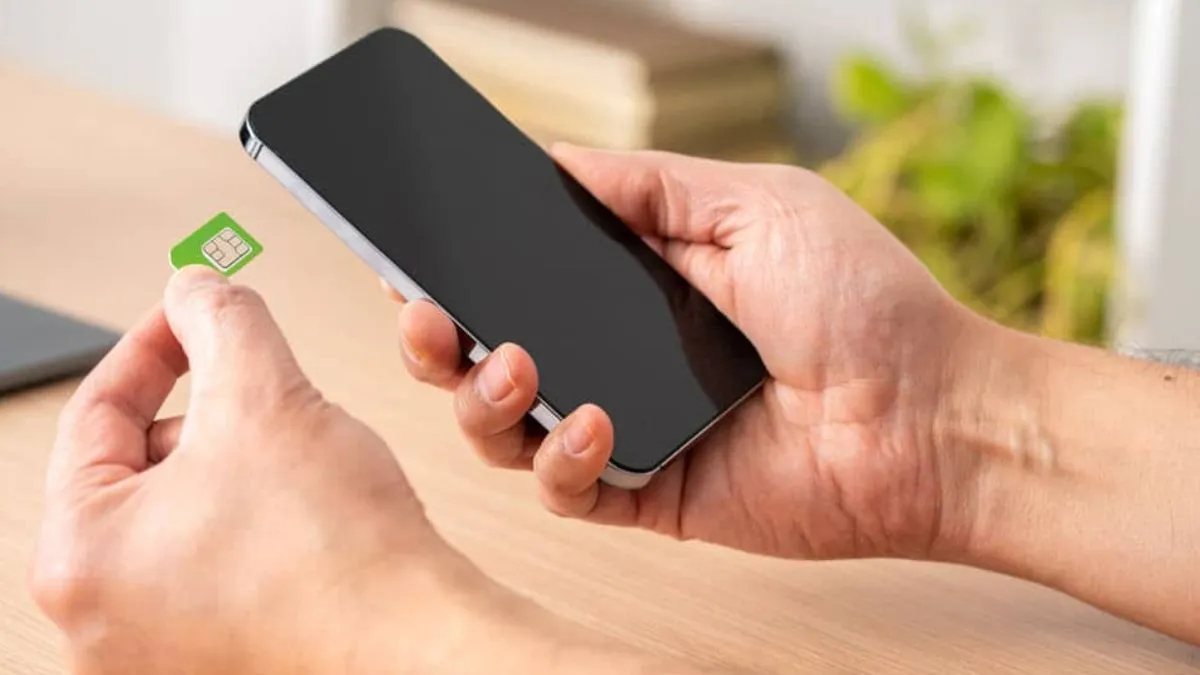
The Department of Telecommunications alerts mobile users.
Ever since the access of internet and smartphone has increased, online fraud and scam cases have also increased rapidly. Mobile users have also been alerted several times by the Department of Telecommunications (DOT). In the recent past, there has been a huge increase in matters of fake SIM cards. Cyber criminals are now using fake SIM cards to cheat people. In such a situation, users need to be very careful.
Let us tell you that the Department of Telecommunications and telecom companies are taking new steps to stop the scam and fraud. Recently, Dot has alerted people about Ferchi SIM card fraud. The Department of Telecommunications has also released a video in this regard. This video describes the effective way of avoiding fake SIM card fraud.
Dot alerts mobile users
Actually, Dot has shared the way to get information about the SIM card running in his name in his video. From this you can find out whether anyone has bought any fake SIM card in your name.
In the video shared by DOT on social media platform X for mobile users, it has been told that cyber criminals can issue SIM cards using documents. Such fake SIM cards can be used to carry out frauds and scams. According to DOT, if you feel that you have taken a SIM card but it has not been used for a long time, then you should report it immediately.
According to the Department of Telecommunications, you can easily get details about all the SIM cards running in your name by visiting the Communication Saathi Portal. If you feel that a SIM card is active in your name but you are not using it, then you can also request a request to block or close it with this portal. For this you have to follow some easy steps.
Follow these steps
- To know the details of the registered SIM card, you have to visit the Communication Partner Portal (https://sancharsaathi.gov.in/) or app.
- On the website, you will get the option of “Know Mobile Connections in your name”, click on it.
- Now you will get a new option of TAFCOP, click on it.
- Now you have to fill your mobile number and captcha code.
- Now an OTP will be sent to your registered mobile number. You have to login by entering OTP.
- After login on the website, you will be shown all those SIM cards on the display with mobile number which will be active in your name.
- If you see a fake SIM card, then you can also get it removed by clicking not requires from the website itself.
Also read- The biggest decline in the price of iPhone 14 256GB, Amazon again has heavy price cut


