


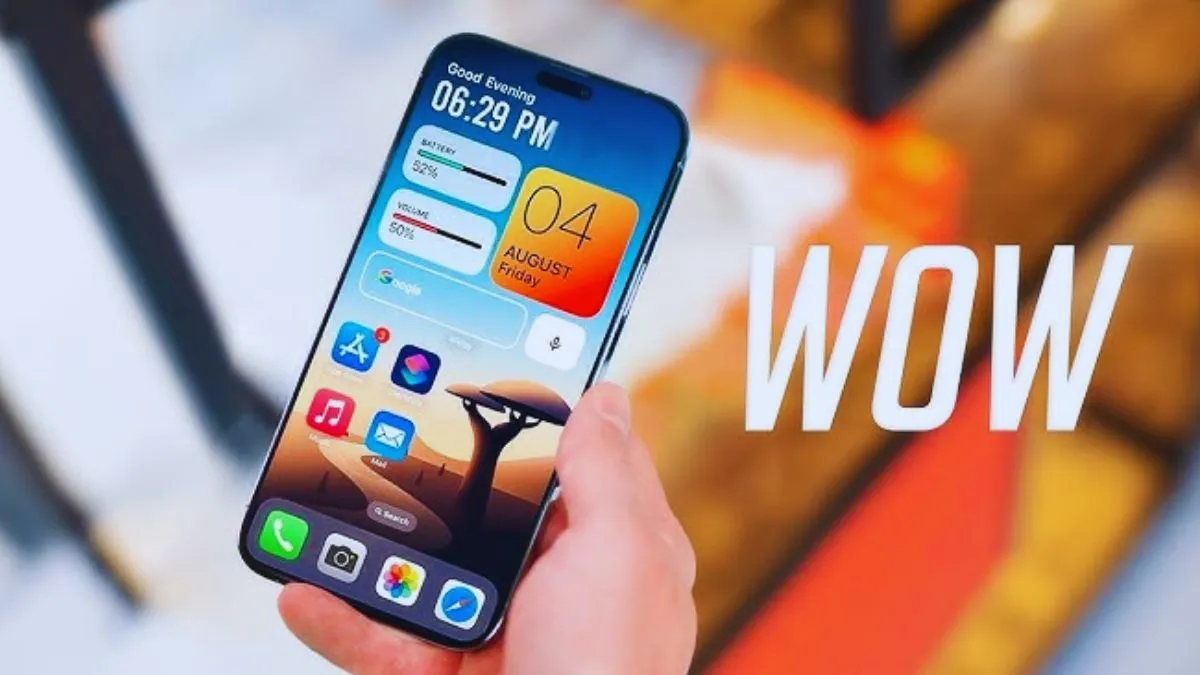
iPhone users got the cool feature of Android.
If you have an iPhone then there is useful news for you. After a long wait, finally a cool feature of Android has arrived in iPhone. We are talking about the popular application True Caller. Truecaller is very popular as a caller ID among Android smartphone users. It was not available for iPhones till now but now this problem is over. Truecaller has launched a new caller ID for iPhone users.
Big update for iOS
Let us tell you that for the last several years, iPhone users were waiting for Truecaller to arrive. Finally now iOS has got a major update of True Caller. According to the company, Truecaller will work in iOS devices in the same way as it does on Android. With the new features, iPhone users will also get relief from spam calls.
True Caller has introduced Live Caller ID feature for iPhone. Till now this feature was available only in Android. With the help of this feature, iOS users will now be able to know in real time who is calling them. Due to Apple’s privacy policy and technical limitations, this feature was not available in iPhone till now. However, now True Caller has eliminated all the problems and introduced it for iOS users also. iPhone users will now be able to take advantage of the spam blocking feature with the help of this feature.
Apple has its own caller ID
Let us tell you that in the latest update of Truecaller, the feature of automatically blocking spam calls has been provided for iPhone users. Let us tell you that Apple has its own caller ID app which is called Lookup feature. This feature of Apple automatically suggests who is calling you. This caller ID of Apple gives suggestions about the caller using the data of users’ messages and mails. Truecaller has a large data base of phone numbers and IDs. For this reason, there is a possibility of getting more accurate caller ID suggestions in True Caller.
How to Enable Truecaller on iOS
- To enable the Caller ID feature on Truecaller iOS app, it is necessary that your iOS version be iOS 14.0 or later.
- First of all go to the Settings option of your iPhone
- After going to Settings, go to Apps, then tap on Phone.
- Now you have to go to the option of call blocking and identification.
- Now you have to activate the switch visible in front of Truecaller.
Also read- Pre-booking of Samsung Galaxy S25 series has started, if you order now you will get many benefits.


