


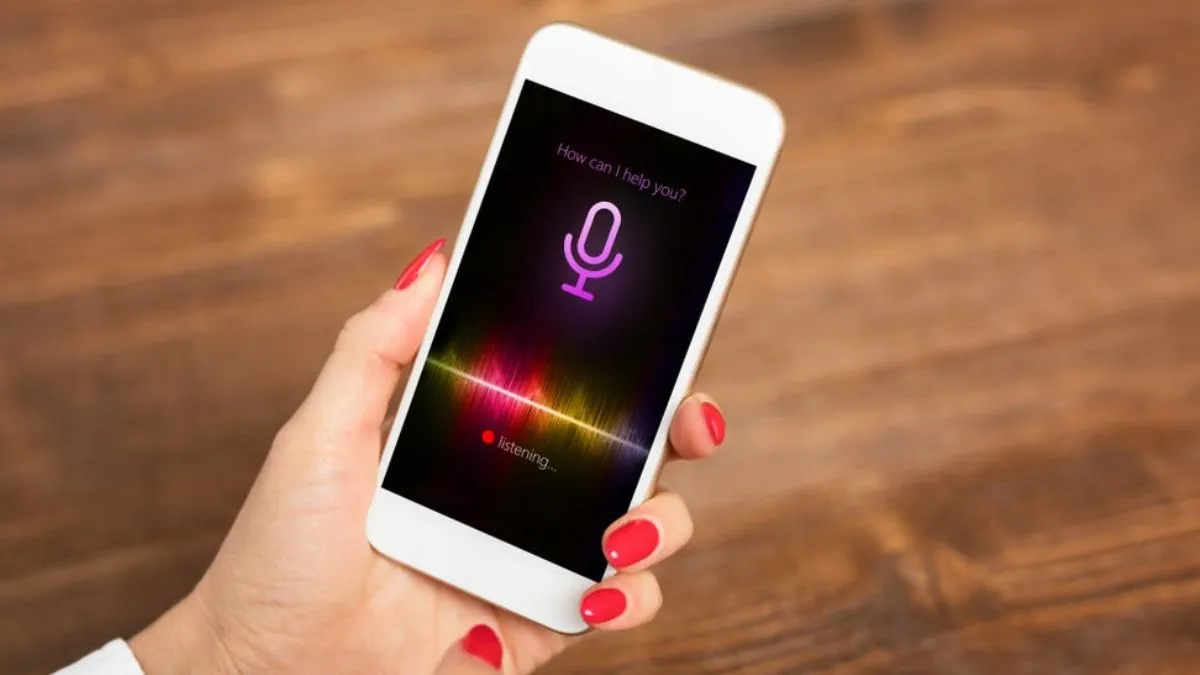
The smartphone always listens to our personal things.
You must have often seen that you are talking about buying a goods and after that the advertisements related to it start appearing in the phone. If you run a social media app or use any other application, then advertisements related to the same goods start appearing. Many times we start visible to the discount offer related to that goods. Have you ever wondered why this happens, does our smartphone listen to our personal things?
Let me tell you that yes our smartphone listens to us and according to our heard, he shows us advertisement through internet. Let us know that only Android smartphones are used in the world and due to a special feature of Google, our smartphone listens to us. If you do not change this setting of Google in your smartphone, then your personal things can be leaked, which can put your privacy in danger.
Take care while installing apps
Let us tell you that often many people give permission of all kinds of information while installing the application in the phone. The app developer can take advantage of these information. Therefore, while installing the apps, it should be quite careful while giving permission of contacts, microphones, locations and camera. You should check whether that app really needs that permission or not. If you are negligent in this, then your data may fall into the bottle.
If you do not know, then tell that the microphone found in Android smartphones is used by Google. Its feature is on in almost all Android smartphones. Because of this feature, your phone hears all your things. The good thing is that users also get the option to change the settings. You can keep your personal data safe by closing Google Voice Assistant feature.
Android smartphone change settings in this way
- Your phone should not listen to your words, first of all go to the option of settings.
- Now you have to go to Google’s option.
- Now you have to tap on ‘Manage Your Google Account’.
- In the next step, you have to tap on the option of ‘Manage Your Data and Privacy’.
- Now you will get the option of data and privacy in which web & app will get activity. Click on it.
- Now you will get an option of Voice & Audio Activity. Uncheck the box seen in front of it.
- Your phone will not be able to hear your personal things as soon as this setting changes.
Also read- Redmi Note 13 Pro with 200MP camera falls price falls in less than 10 thousand


